
Playback that gets out of the way
HDR and Dolby Vision where your device supports it, subtitle and audio track pickers that open over the picture, and resume that actually resumes.
Gflix is a player, not a service. Everything below is in service of one thing: getting from the app opening to the picture playing.
Add a playlist, connect a media server, then stop thinking about which is which. Gflix puts them in one library, and a channel's HD, FHD and 4K versions fold into a single row with the quality a tap away.
Living room playlist
Playlist · 1,284 channels
Home server
Media server · 612 films · 84 series
Sports pack
Playlist · 96 channels
Add another source
+The programme guide loads in one motion and stays there — hours of schedule you can scroll through without waiting on a spinner, with what is on now always a glance away.
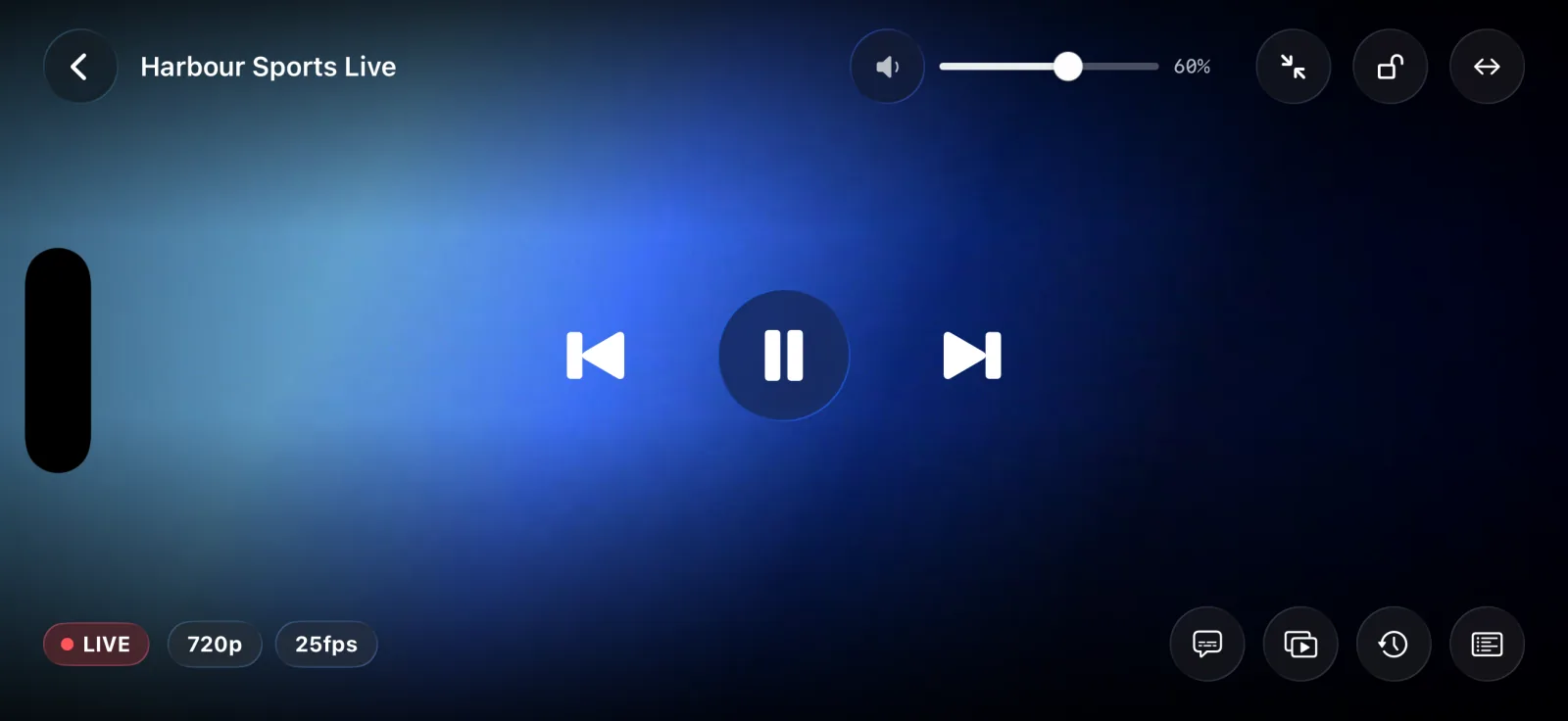
One tap brings up everything the player can do, and a moment later it is gone again: what is playing, how the stream is arriving, and where to go next.
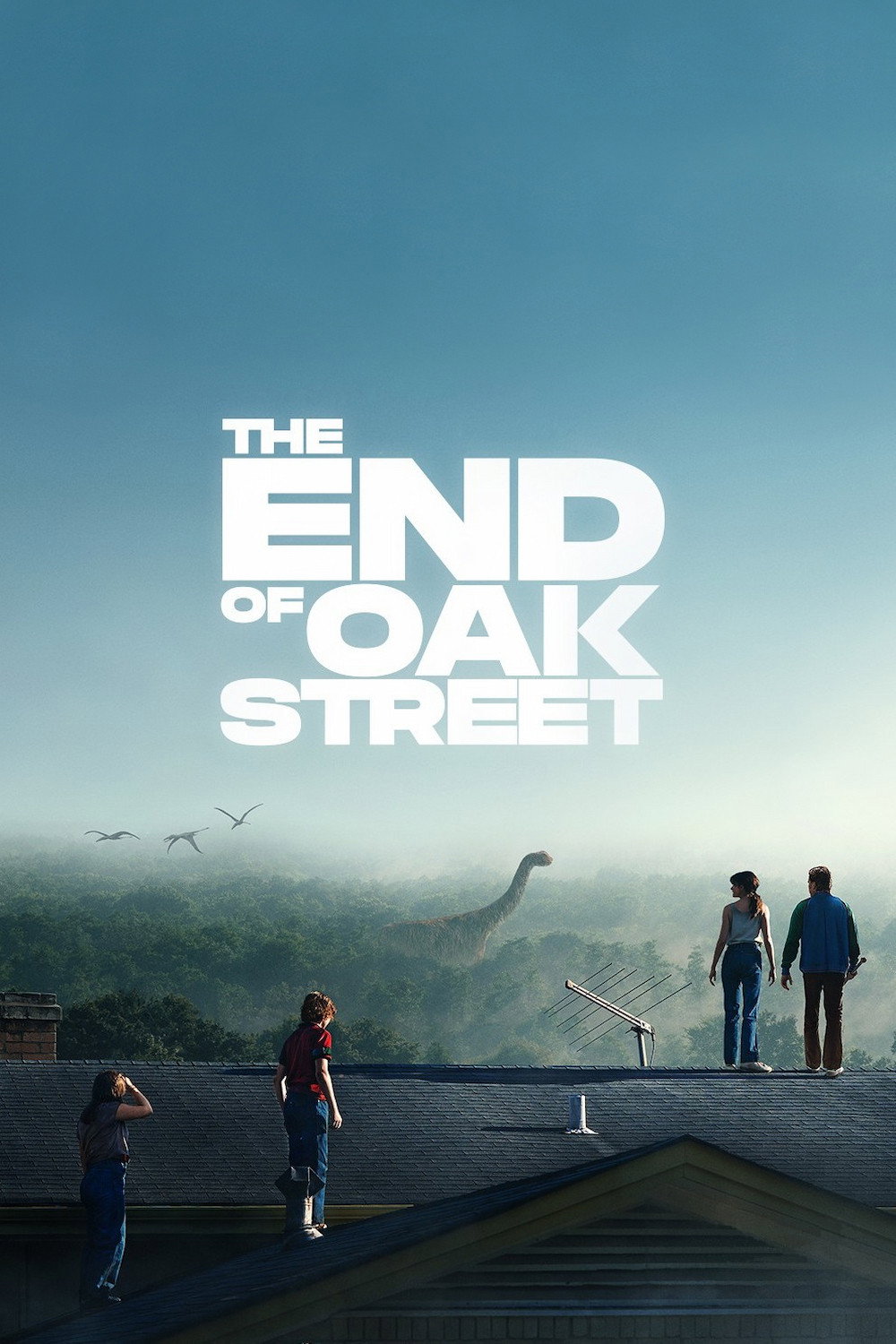
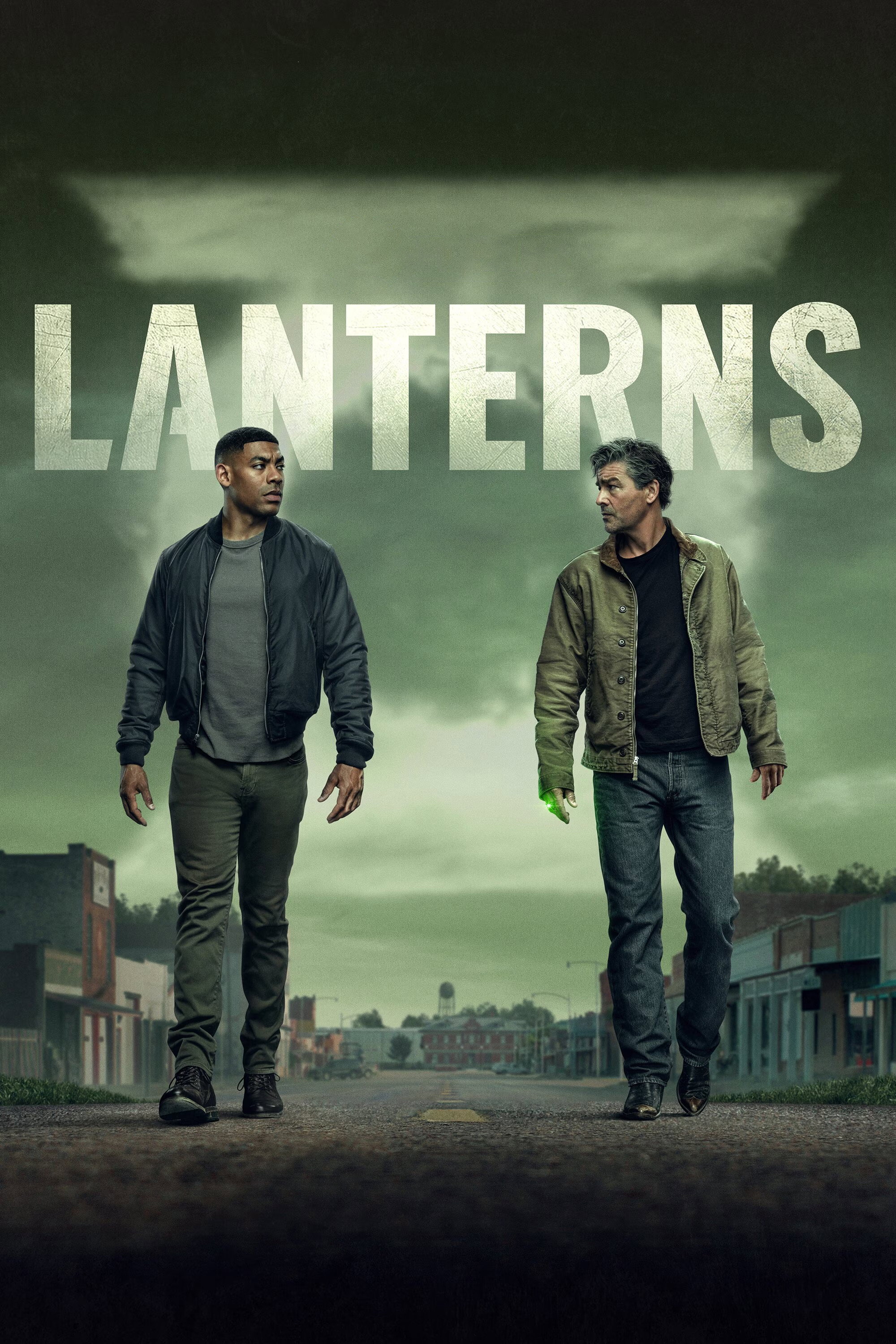
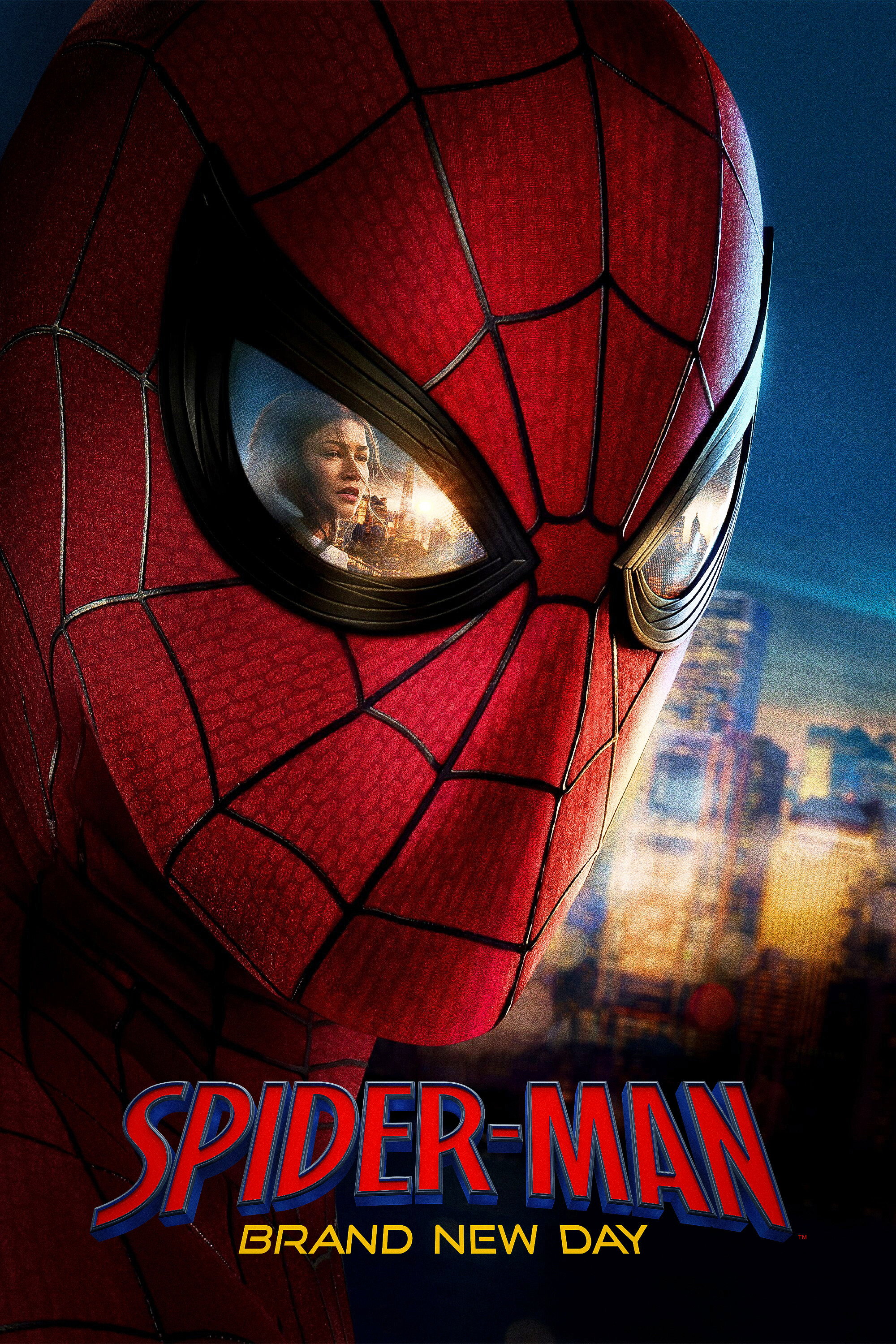
Anything Gflix can name gets its own poster and backdrop — not whatever image a server happened to store. A film looks like a film, a series looks like a series, and a shelf looks like something you want to browse.












Connect Trakt, SIMKL or MDBList and what you watch here turns up there. What you watched before you arrived turns up here. Nothing is stranded in one app.
Trakt
Scrobbles as you watch
SIMKL
Lists and history, read-only
MDBList
Lists and ratings, read-only
Everything stays in step
No menus to learn and nothing to configure before the first thing plays. What you set up once, you never think about again.
HDR and Dolby Vision where your device supports it, subtitle and audio track pickers that open over the picture, and resume that actually resumes.
Pick a film up on the iPhone and finish it on the iPad. With iCloud sync on, what you are watching and where you stopped follow you between them.
Download an episode before a flight and it is there when the signal is not — queued in the background, stored where you decide.
Show, hide or favourite channels and categories. Reorder the shelves on the home screen so the rows you use are the rows you see first.
One field across every source you have added — channels, films, series and episodes, found in the same list.
Prefer another player? Hand any stream to the third-party player you already use, straight from the detail page.
iPhone and iPad today, sharing your library, your progress and your arrangement. Apple TV is in the works.
The whole library in a pocket, with a tab bar you can reach one-handed.
Wider shelves, a bigger guide, and a player made for the larger screen.
Built for the remote in your hand and the screen across the room. In the works.
Add a source, and everything you already pay for turns into one library worth browsing.